
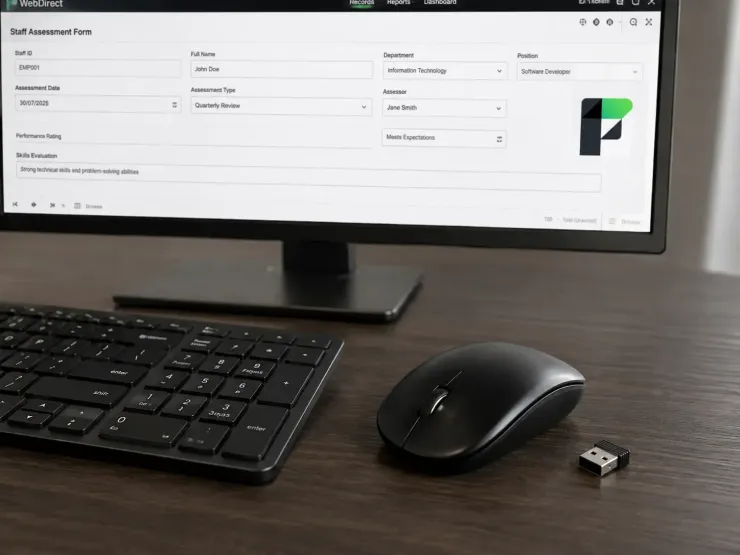
Unplug The Mouse And Try Your Layout
Overview
Unplug your mouse and try to complete one form in your WebDirect solution using only the Tab key. Thirty seconds in, you will know whether accessibility work belongs on your roadmap or not.
WCAG sounds like a document you need a consultant to interpret. For a WebDirect layout it comes down to three things you can check yourself.
The three checks
- can a screen reader announce what every field is for
- does Tab move through the layout in the order a person would work
- does your text pass a contrast ratio measured with a tool, not judged by eye
Tab order is where most layouts come apart first, and it is not a platform problem. Objects inherit the order they were drawn in. If you added a phone number field six months after the address block, that is where Tab will send people, because that is when it appeared. The screen looks perfectly logical and behaves nothing like it.
How to tell if this applies
It applies if any of the following are true. You have public-facing WebDirect users. You have a contract, a tender or a funding condition that mentions accessibility. Someone in the business uses a screen reader, or will. You have data entry staff who work fast and keep reaching for the mouse mid-record.
It matters less if your solution is internal, small, mouse-driven by habit, and nobody has raised it. Fair enough. But the fix does not get cheaper as the layout grows.
What the work actually is
None of the three requires new tooling. Set tab order explicitly in Layout mode. Give every field a label that says what it is rather than relying on placement. Run your colours through a contrast checker and adjust the ones that fail.
It is slow, and it is object by object, and there is no button for it. The question you are asking at every object is the same: does this still make sense with the mouse removed.
Tab through your busiest data entry layout today. Where does it send you third?
Recent comments
No comments yet.