
How Much Layout Design Should You Hand to Claude Code?
Overview
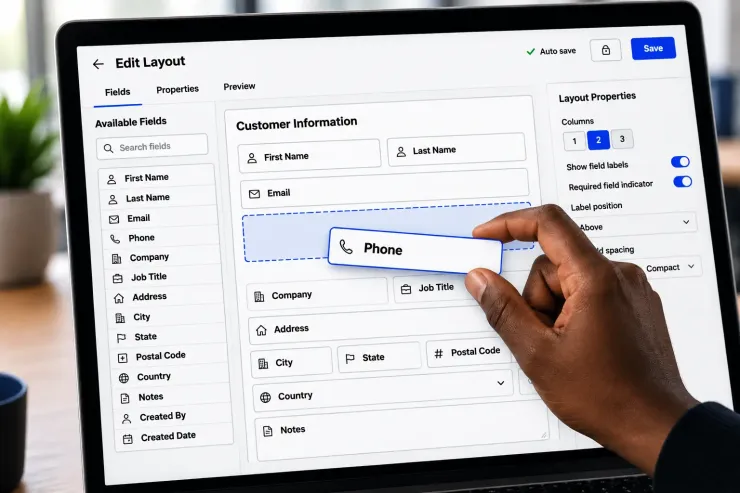
One sentence gets you a working layout now. Claude Code, an AI coding tool, can read a request like “build a customer detail layout” and produce fields, buttons, and a tab group in seconds.
That is real progress. It used to take an hour of dragging fields and lining up labels by hand.
But a working layout is not the same as a layout that fits how someone actually works.
The common mistake
Most people ask for a layout, get something clean, and ship it.
The AI put every field on screen. It grouped them in a way that makes sense on paper. Nothing about it is wrong.
Except the user does not read fields in that order.
What structure can’t tell you
Claude Code knows what a customer record needs. It does not know that your dispatcher checks the phone number first, every time, before anything else.
It does not know your billing clerk skips the address field completely.
It does not know which two fields get compared side by side, fifty times a day.
That knowledge does not live in the schema. It lives in watching someone use the screen.
What to do instead
Let the AI build the structure. Then sit with the actual user for ten minutes.
- Watch which field their eyes go to first
- Ask what they check before they make a call
- Ask what field they never fill in
- Move the fields that matter to the top
The AI gets you most of the way there, fast. The last part is not a design skill. It is knowing one specific person’s habits.
Do you build layouts from what the data needs, or from what the person does first?
Recent comments
No comments yet.