
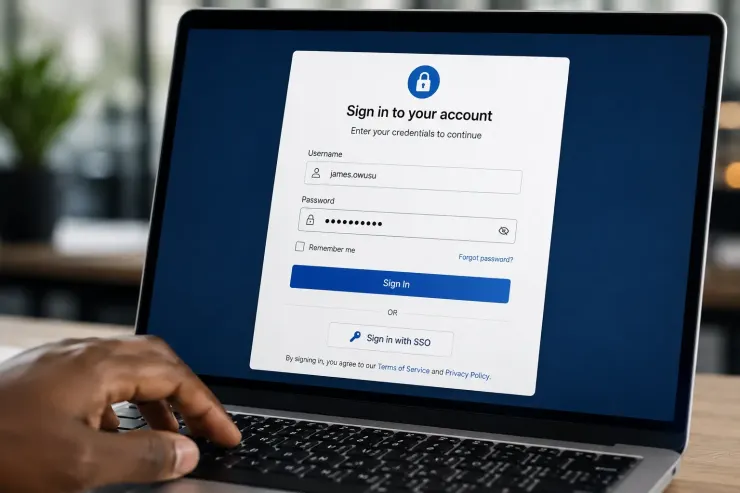
Should Your Team Turn On External Authentication?
Overview
Every new hire gets a FileMaker account. Someone sets the password. Someone deletes it later, when they leave.
That work is small on its own. Add it up across a year, and it might be worth a second look.
External authentication lets FileMaker check a Google or Microsoft login instead of its own password list. That one change removes a lot of manual work, for the right team.
Check your logins first
Do your users already sign into email or Teams with a Google or Microsoft account every day?
If they do, they already trust that login. Adding a separate FileMaker password is one more thing to manage, not one less.
Count the manual work
Now look at your account list from the last month.
- new accounts you created
- accounts you deleted
- passwords you reset by hand
- users who already log in through Google or Microsoft
If those numbers are small, file-based accounts are still the simpler choice. Fewer moving parts, less setup, nothing extra to manage.
When the switch pays off
If both numbers run high, a lot of users and a lot of manual account work, external authentication removes real admin time.
One login covers work email and FileMaker. One place turns off access when someone leaves.
If the numbers stay small, file-based accounts are not a downgrade. They fit the size of the job.
The right choice depends on your own numbers, not on what looks modern.
Have you actually counted your manual account changes this month, or are you guessing?
Recent comments
No comments yet.