
Building FileMaker Apps That Can Work Both Online And Offline
Overview
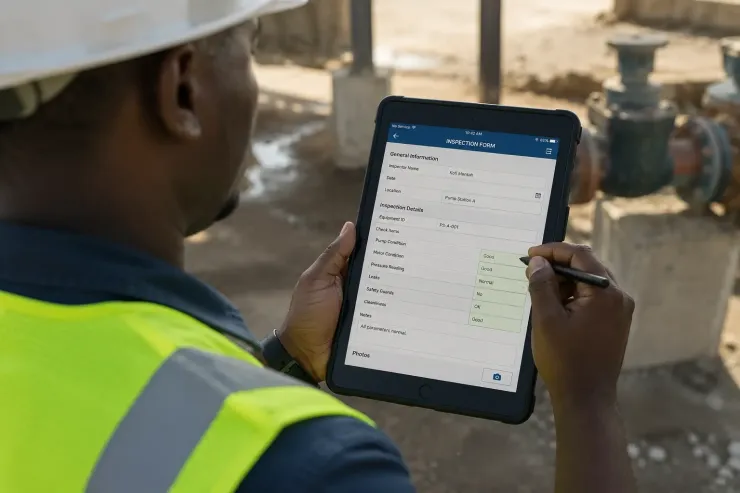
A field tech opens the app at a site with no signal. The inspection still needs to save. That is the whole problem, and most developers reach for the same answer without questioning it: save local first, sync later.
Why save locally first
Most apps assume a live connection to the server. Send a record, wait for a reply, move to the next screen. That works fine in an office. It breaks the moment the signal drops.
A local table, which is a table stored on the phone itself, fixes this. The app writes every record there first. Online or not, the save always works.
What the local table must do
- hold the same fields as the server table
- accept a new record in under a second, no matter the signal
- mark each record as sent or not yet sent
- never block a save because of a network check
The sync runs on its own
Once the record sits in the local table, a background process checks for signal. The moment it finds some, it sends the new records to the server.
The tech never triggers this by hand. They do not wait for a spinner. They save the inspection and walk to the next site.
This is why offline-first apps feel fast even on a weak connection. The save was never waiting on the network. Only the sync was.
Do you build local-first by default, or only after the first site with no signal?
Recent comments
No comments yet.