
Five Ways To Connect FileMaker To Everything Else
Overview
FileMaker connects to outside systems in five ways. Which one you need depends on what kicks the whole thing off.
1. Another system asks for your data
- a website, a reporting tool, or software someone else runs wants to read or write records
- use OData if it is Power BI or Tableau, because they already read that format
- use the Data API if you want a FileMaker script to run and handle the request
- either way FileMaker waits and answers when called
2. A user clicks a button
- use Insert from URL
- it is a script step inside FileMaker
- no subscription, no second system to keep an eye on
- this is still the most common integration in real work
3. A record changes
- created, edited, deleted, or a status moves
- use OData webhooks
- FileMaker Server watches the table and sends the data out the moment it changes
- no schedule, and nobody has to be sitting at the machine
- this came in with Server 22.0.4 and most teams have never used it
4. Someone asks your app a question in plain words
- show me the overdue invoices, add this contact
- use Claris MCP
- you choose which tables and which scripts it can reach and it gets nothing beyond that
- needs Server 22.0.2.204 or newer with OData and the Data API switched on
5. Two apps need to talk and FileMaker is one of them
- a new order posts to Slack, a signed form sends an email
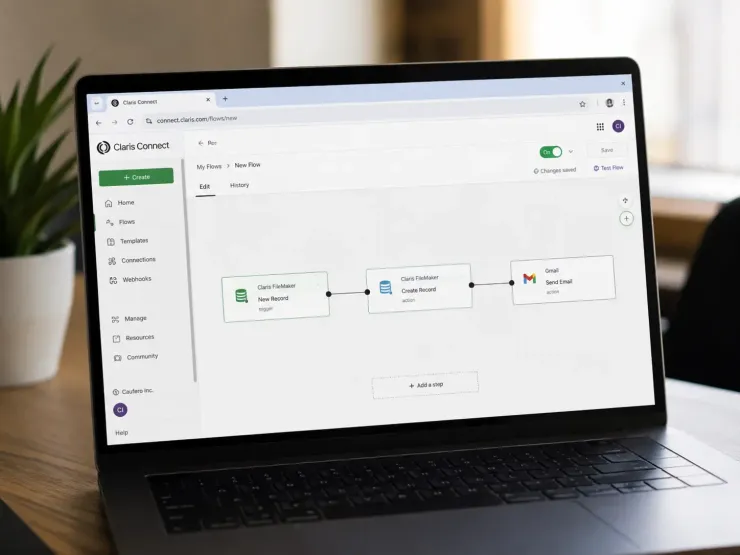
- use Claris Connect
- its FileMaker connector runs on OData underneath, so it sits on top of the API rather than replacing it
- it comes free with most current licences
Where teams lose time
A lot of solutions run a script every five minutes to catch new records. Server can do that on its own now, and it fires the moment the record changes instead of up to five minutes later.
Which of the five are you running today, and when did you last check what your Server can already do without help?
Recent comments
No comments yet.